The number one reason coaches, agencies, and creators fail to launch isn’t a lack of talent. It’s “Setup Paralysis.”
You spend three weeks agonizing over the logo, four days rewriting the bio, and zero minutes actually building the asset that collects leads. Whether you are an agency launching a client site or a coach dropping a new program, speed is your best friend.
We analyzed the most successful launches on the Leaom platform and boiled them down to a 5-step “Kickoff Checklist.” The best part? You don’t need to write everything from scratch.
Here is how to go from “Idea” to “Live” using the right tools.
Step 1: Nail the H1 (Before You Design)
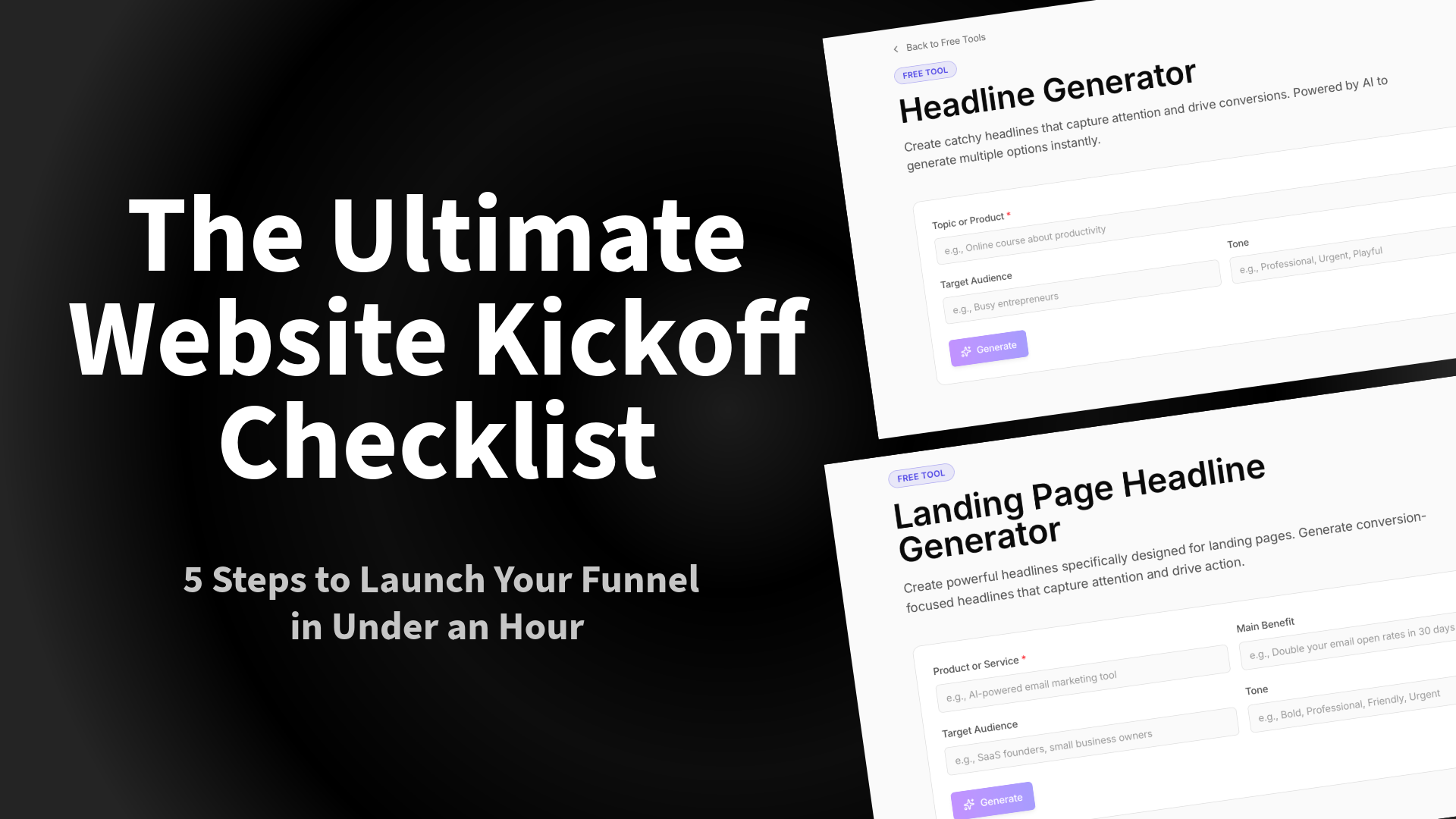
Tool Needed: Landing Page Headline Generator
Most people design the page first, then try to cram text into the boxes. This is backward. Your design should support your copy, and your copy starts with the Headline (H1).
If your headline is weak, your bounce rate will be high, no matter how pretty the CSS is. Don’t stare at a blank cursor. Use a Headline Generator to create 10 variations of your value proposition.
- Bad: “We offer coaching services.”
- Good: “Reclaim 10 Hours a Week: The Executive Coaching Program for Burned-Out Founders.”
Action Item: Generate 3 options and pick the one that promises the specific result.
Step 2: Choose “Active” Bait Over “Passive” Bait
Tool Needed: Lead Magnet Calculator or Quiz Builder
If your “Website Kickoff Checklist” involves uploading a generic PDF, stop. In 2026, users are tired of downloading files they never read.
To capture the lead, give them an immediate result.
- For SaaS: Embed a pricing ROI calculator.
- For Fitness Coaches: Build a “Metabolic Type Quiz.”
- For Agencies: Use a “Website Health Scorecard.”
Interactive tools typically see 2-3x the conversion rate of static PDFs because they deliver personalized value instantly.
Step 3: The “Plumbing” Check (Integrations)
Resource: Leaom Integrations
A funnel that doesn’t capture data is just a brochure. Before you go live, you must verify your data flow. The most common mistake we see in our Agency Checklist is broken form connections.
Ensure your interactive tool is talking to your CRM:
- ActiveCampaign Users: Tag users based on their quiz results (e.g., “Tag: High_Budget”). See Integration guide.
- ConvertKit/Mailchimp: Ensure the welcome sequence triggers immediately upon submission.
Step 4: The Traffic Engine (Social Setup)
Tool Needed: Social Media Caption Generator
You hit “Publish.” Now what?
You need to drive traffic immediately. But writing LinkedIn posts, Tweets, and Instagram captions takes almost as much energy as building the site.
Don’t let “writer’s block” delay your promotion. Use a Caption Generator to turn your new Headline (from Step 1) into a week’s worth of social posts.
- Post 1: The “Problem/Agitate/Solution” framework.
- Post 2: The “Behind the Scenes” of the launch.
- Post 3: Social proof/Testimonial.
Step 5: The Final Pre-Flight Audit
Tool Needed: Freelance Kickoff Checklist
Before you share the link, run through the “stupid check”:
- Mobile Responsiveness: Does the calculator/quiz work on an iPhone Mini?
- 404 Pages: Do broken links redirect home?
- Speed: Are your images compressed?
- Offer Clarity: Can a stranger understand what you do in 5 seconds?
Summary
You don’t need a 3-month development cycle. You need a hook, an interactive offer, a working form, and a promotion plan.
Ready to start checking boxes? Go to the Free Tools Dashboard and build your first asset today.